
By: [Lucas/Senior R&D Engineer at DANSKER]
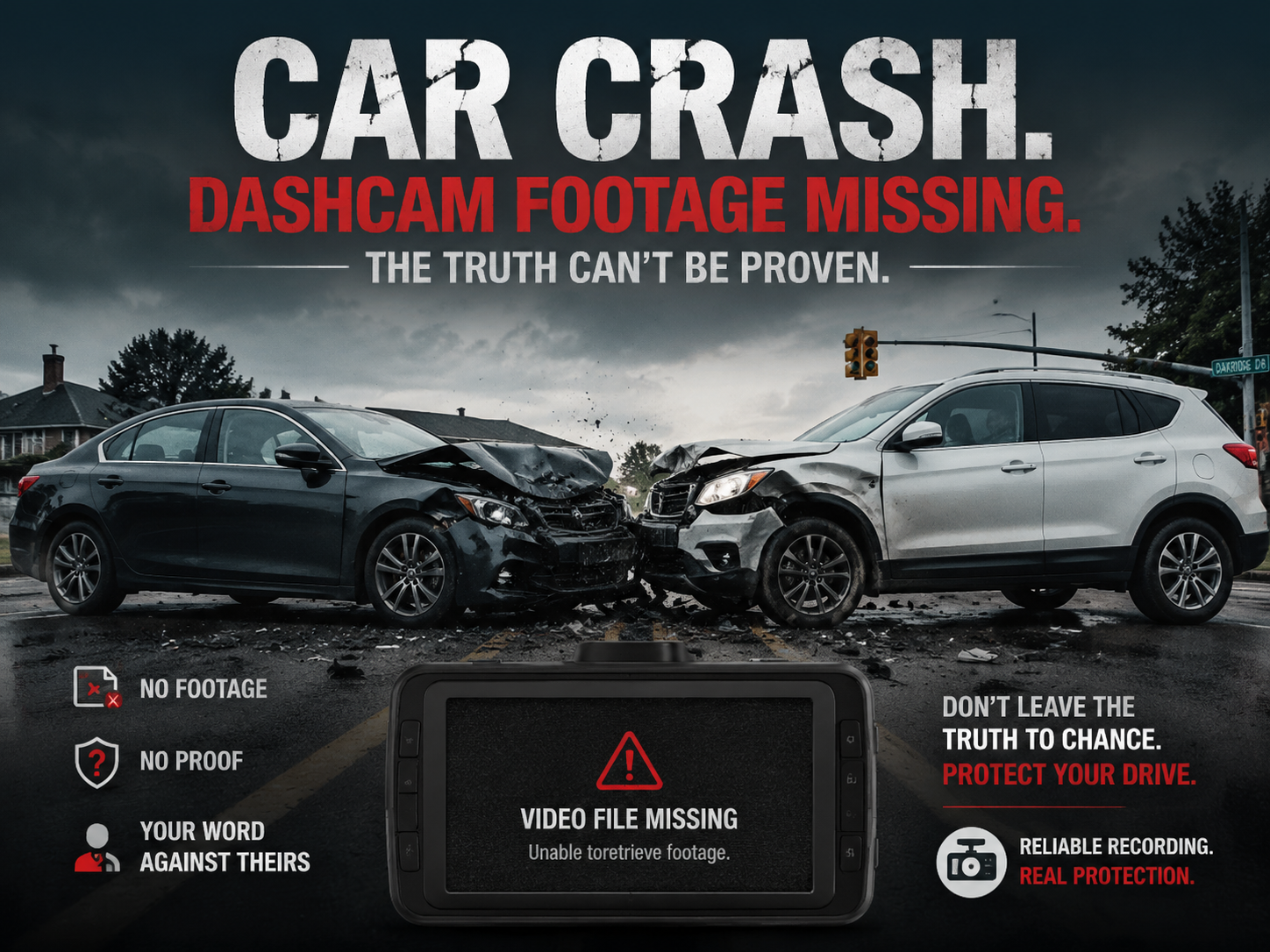
You installed a dash cam for peace of mind. You expect it to capture every moment on the road. However, driver inquiries frequently report a frustrating problem: the critical collision footage is nowhere to be found when an accident occurs.
As automotive electronics engineers, we analyze embedded software and system hardware every day. Missing footage rarely happens by random chance. It usually points to specific technical mechanisms within your device or storage media. Here are the 4 primary technical reasons why dash cam accident video disappears and how you can prevent it.
1. Small Storage Capacity and High Bitrates Lead to Loop Overwriting
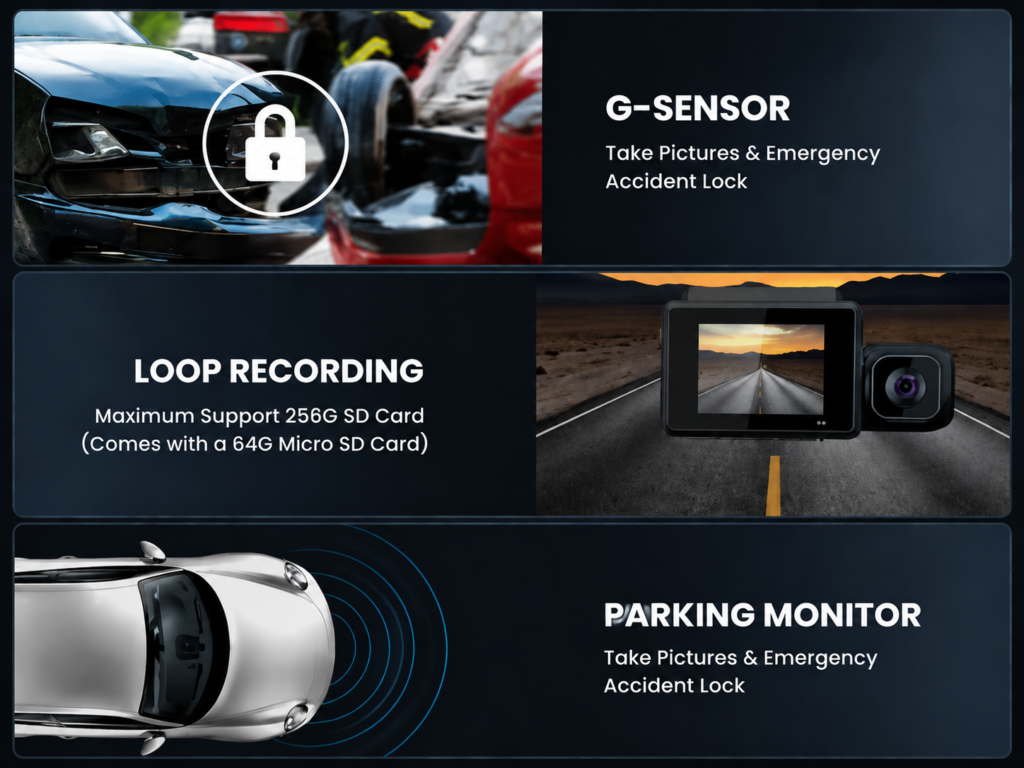
Dash cams run on continuous loop recording. The camera splits video streams into short clips, typically 1, 3, or 5 minutes long. When your MicroSD card reaches full capacity, the firmware automatically deletes the oldest unlocked video file to clear space for the new recording.
Modern dash cams capture footage in high resolutions like 2K (1440p) or 4K (2160p). High-resolution video files require higher bitrates and generate massive file sizes. A small 16GB or 32GB card fills up within a few hours of driving.
If a minor impact does not trigger a video lock, or if you keep driving after a collision, the system considers the accident footage as normal footage. The camera will quickly overwrite that vital clip during the very next loop cycle.
Engineer’s Tip: Always use a high-capacity MicroSD card (at least 128GB or 256GB). A larger card gives you a much wider time window before the loop recording overwrites older files.
2. The Video Was Saved to the Protected “Emergency” Directory
Many drivers check their standard video folder after an accident and assume the camera failed to record. In reality, the footage is often safely stored in a separate directory.
Mid-to-high-end dash cams integrate a 3-axis G-sensor (accelerometer). When the sensor detects sudden force, hard braking, or a sharp impact, the firmware instantly triggers an event recording. The system tags the current video clip as read-only and isolates it from the standard loop recording pool.
The dash cam stores these protected files in a dedicated folder on your memory card. Depending on the brand, this directory is typically named:
RO(Read-Only)EMGorEmergencyEventorEvent_Video
Standard file managers on basic screens or phone apps may not display these protected folders by default. Drivers often overlook them during quick playback searches.

3. Instant Power Loss During Impact Prevented File Saving
A severe collision often damages the vehicle’s 12V power outlet, cuts the hardwire kit, or disconnects the dash cam power cable instantly.
Dash cams store video data in temporary volatile memory (RAM) buffer before writing it to the MicroSD card. If power drops abruptly while the camera is actively recording, the chip cannot write the final file index to the storage card. This sudden shutdown leaves the final video clip corrupt or unreadable.
[ Power Loss Event ]
        │
        ├── Standard Battery System ──> Rapid Aging / Swelling ──> File Corruption (Missing Video)
        │
        └── Supercapacitor System  ──> 15-30s Backup Power ────> Safe File Closure & Storage
Older or cheaper dash cams rely on internal lithium-ion batteries. Extreme cabin heat degrades these batteries quickly, which causes them to lose charge capacity over time. When an impact cuts external power, a degraded battery shuts down instantly and fails to finalize the file.
Why Supercapacitors Solve This Problem
High-reliability automotive dash cams use supercapacitors instead of lithium batteries. A supercapacitor stores electrical energy safely and tolerates high temperatures inside parked vehicles.
When main power drops during a crash, the supercapacitor supplies emergency backup power for 15 to 30 seconds. This brief power window allows the processor to flush the RAM buffer, finalize the video container, and safely save the accident file to the MicroSD card before power runs out entirely.
4. Slow Memory Cards Cause Write Bottlenecks and Dropped Frames
Approximately 80% of missing or skipped video incidents stem directly from using an unsuitable memory card.
Capturing uncompressed 4K video streams requires sustained high write speeds. Cheap or entry-level MicroSD cards with Class 10, U1, or V10 ratings can only handle basic continuous write rates around 10MB/s.
| Speed Class Standard | Minimum Write Speed | 4K Ultra HD Suitability |
| Class 10 / U1 / V10 | 10 MB/s | ❌ High Risk of Frame Drop |
| U3 / V30 | 30 MB/s | High Reliability |
When a high-bitrate camera pushes heavy video data to a low-speed card, a write bottleneck occurs:
- The camera’s RAM buffer overflows because the card cannot clear data fast enough.
- The processor drops video frames or halts recording completely to prevent system crashes.
- The recorded video ends up stuttering, freezing, or missing entire multi-second segments around the crash moment.
In addition, standard consumer SD cards cannot withstand the constant read-write cycles of loop recording. They develop bad blocks rapidly under heavy use. Automotive dash cams require high-endurance memory cards rated at U3 / V30 or higher, built with High-Endurance NAND flash chips.
Summary Checklist for Drivers
To ensure your dash cam records every critical moment reliably, follow these quick setup rules:
- Upgrade your card speed: Use a high-endurance MicroSD card with at least a U3 / V30 rating.
- Maximize storage size: Install a 128GB or 256GB card to extend loop recording time.
- Choose supercapacitor models: Avoid heat-sensitive lithium-battery dash cams.
- Check emergency folders: Inspect the
EMGorROfolders on a PC if footage appears missing on your camera screen. - Format regularly: Format your card inside the camera once a month to clear file system fragmentation.